Creating YouTube thumbnails that stand out
On YouTube, the thumbnail is the first thing people discover of your video, even before its title. Whether you launch your channel in the evening after work or manage a company's, you face the same challenge, hundreds of thumbnails that look alike, more and more often created by AI. Here is how our eyes choose, how to say the essential in a tiny space, and how to find a style that belongs only to you.
In short
- Many thumbnails look alike, which is a great opportunity to stand out.
- The eye first notices what is different from its surroundings.
- A thumbnail is read in a fraction of a second and at a tiny size, one single idea is enough.
- A few choices kept from one video to the next create a recognisable style.
- A template prepared once saves time on every video, for a creator as for a company.
- AI helps you look for ideas and layouts, the final result should stay your own.
Why so many thumbnails look alike
The other evening, I was watching a creator on Twitch comment on YouTube thumbnails sent in by their community. Many had been created with AI, and they all had a family resemblance, the same glossy look, the same surprised faces, the same big yellow titles. It looked like the same channel, video after video.
The first reason is AI. A thumbnail takes time, and a tool that produces an image in a few seconds saves a lot of it. That is precious for a creator who prepares their videos in the evening or at the weekend, as for a company that wants to save a little on its visuals. But when everyone uses the same tools, with the same requests, the images end up looking alike.
The second reason existed long before AI. To find what works, we naturally look at what others do, especially the biggest channels, and take inspiration from them. Big yellow titles are a good example. No wonder, yellow is the colour the eye perceives as the brightest. Today you find these titles everywhere, in AI-generated thumbnails as in the ones creators make themselves. Little by little, a trend sets in, and everyone follows it since it seems to work. Yet the role of a thumbnail is to stand out, and it matters far more than we imagine.
So much resemblance is a great opportunity for those who take the time to find their own style.
Your thumbnail is your video's shop window
In the search results, on the home page or in the suggestions, your thumbnail is what people see first. It makes them want to click in a fraction of a second. It plays the role of a logo, a little, for each video.
YouTube says so itself in its advice to creators, 90 % of the best-performing videos have a custom thumbnail. It also recommends updating the thumbnails of your older videos, to give them a new chance with new viewers. It makes sense, because the more thumbnails you create, the more you improve, and over time your first ones will appeal to you less. Its "Test & compare" tool even lets you try up to three thumbnails for the same video, and keeps the one that generates the most watch time.
The biggest creators use it a lot. In 2023, MrBeast, today the most followed channel on YouTube, tested his thumbnails with this tool. He replaced his famous wide-open-mouth face with a closed-mouth expression, and watch time went up on every video, in his own words. A small detail, and a real effect on millions of views.
What the eye notices first
According to the psychology of perception, faced with a page full of thumbnails, our eyes do not read everything. In a fraction of a second, before we even think about it, they spot what stands out from the rest. A few well-known principles explain what catches the eye:
What is different
The eye instantly spots the element that does not look like the others, a colour, a shape or a size. Psychologists have also observed it for memory, the different element in a series is the one we remember, it is the von Restorff effect. If all the thumbnails around yours are yellow and saturated, the most noticeable might be a calm, dark one.
A face
We are made to spot faces, and our eyes land on them before anything else. A readable face, with a sincere emotion, catches attention and creates a connection straight away. A face that is too smooth or an exaggerated expression has the opposite effect, it feels fake.
A subject that stands out from the background
A clear subject on a simple background is understood straight away, it is what Gestalt psychologists call the figure-ground principle. When the background is as busy as the subject, the eye no longer knows where to land and moves on to the next thumbnail.
A single entry point
The eye needs a first anchor, the largest or most contrasting element, then it follows the path you have drawn for it. If three elements compete for its attention, none of them wins.
To check, take a screenshot of the search results for your topic and place your thumbnail in it. Then squint. What remains visible when everything blurs is what your viewers really see.
Saying the essential in a tiny space
A large share of videos is watched on a phone, where your thumbnail is shown very small, and your viewer gives it only a moment. So it has to say one single thing, very clearly. A few rules help:
- One single idea, the one that makes people want to watch, such as a result, a before and after or a question.
- Three elements at most, for example a subject, a few words and a detail that sets the scene.
- Three or four words, large enough to be read on a phone.
- The thumbnail and the title complement each other, without repeating. The image shows, the title clarifies.
- A strong contrast between the text and the background, and between the subject and the setting.
- The bottom right corner stays free, YouTube shows the length of the video there.
If you choose to stand out through colour, think of colour-blind people too, about one man in twelve and one woman in two hundred. For them, a red and a green can look alike. What matters is the difference in lightness between the text and the background, more than the colour itself. To check, turn your thumbnail black and white. If everything stays readable, it will be readable for them too.
Before publishing, look at your thumbnail at preview size on your own phone, in light mode and in dark mode. If the idea is understood in a second, it is ready.
Finding your direction
A recognisable style rests on a few choices you keep from one video to the next. Video after video, your audience learns to recognise you in the feed, even before reading the name of your channel. It is what brands do with their identity. Three to five elements that stay the same:
A palette
Two or three colours that always come back, for the background, the titles or a detail.
A typeface
One font, or two at most, for your titles.
A layout
The same arrangement every time, for example your face on the right and the title on the left.
Something of your own
Your face, an object, a texture or a character, something that belongs only to your channel.
To find these ingredients, start from yourself. What you love, the tone of your videos, what your audience comes to you for. Also look at the creators you admire, to understand what you like about them and reproduce it in your own way. And take a look at the thumbnails in your topic. If they all look alike, the colour or the tone nobody uses might be yours.
A few hours at the start, minutes afterwards
The secret to going fast is to prepare your style once and for all. I experienced it with the covers of this blog. Each one carries a title I draw by hand on my tablet, in Procreate. For the first one, it took me one to two hours, maybe more, to find the right brushes and a style that feels like me, without overdoing it. Today, the lettering part of a new cover takes me about ten minutes.


The time spent finding your style pays off with every new video.
A template ready for every video
Creators and designers sell template kits for Canva or Figma, with icons, shapes, title styles and cut-out images, meaning images without a background. They help you get started, and you can also prepare your own. Take a few hours to learn the basics of Canva or Figma, which both have a free version, and build a template that contains:
- the right size, 1280 × 720 pixels, the one YouTube recommends
- your colour palette, saved in the tool
- two or three ready-made title styles, with your font, your sizes and your outlines
- a series of cut-out photos of yourself, with several expressions, taken in a single session
- your icons, your shapes and the small elements that come back
For every new video, you duplicate the template, change the photo and the words, and your thumbnail is ready in a few minutes. Always different, and always recognisable.
AI, to look for ideas
AI can also help you find your style. Used wisely, it lets you look for ideas, test several layouts or imagine a scene before photographing it. Faced with so much identical content, it is probably its best use. The final result, though, is better kept your own, with your face, your colours and your handwriting. Many viewers today recognise the look of a generated image at first glance, and what is made by a real person stands out all the more.
For a company too
Companies publish videos too, tutorials, product presentations or webinars, and their thumbnails speak as much about the brand as about the video. They have one advantage, a visual identity that is often already in place. The colours, the typography and the tone of the logo then become the ingredients of the template.
A well-prepared template also lets the whole team create consistent thumbnails, without going through an agency for each video or generating dozens of images before finding one that fits.
Once at the start, and every video strengthens the brand's image instead of diluting it.
The same principle for a blog or a podcast
YouTube thumbnails are the most visible example, but every content creator goes through the same thing. The covers of a blog, the visuals of a podcast, Instagram posts or LinkedIn share images all need a recognisable style, and all gain from starting with a template. It is what I do for the covers of this blog, with the same palette, the same layout and a hand-drawn title for each article.
Finding help to create your template
To build your first template, then improve it video after video, there are several paths:
- The free courses from Canva and Figma, and the many video tutorials, to learn the basics in a few hours.
- A purchased template as a starting point, which you then adapt to your palette, your font and your tone.
- A graphic designer, for a session or a small project, to set your direction and build a clean template that you then use on your own.
- Your community, other creators or your subscribers, to get an opinion on two versions before publishing.
And once your template is in place, keep an eye on your statistics. Note what works, test a new idea from time to time, and let your template evolve little by little. It improves with every piece of content, like your channel.
Your questions
What size is a YouTube thumbnail?
1280 × 720 pixels, in the 16:9 format, with a minimum width of 640 pixels.
How do I know whether my thumbnail stands out?
Place it in a screenshot of the search results for your topic, look at it on your phone, then squint. If it can be spotted straight away and its idea is understood in a second, it stands out.
Should I always show my face?
Your face often helps, and other choices work very well too. An object, a drawn character or a setting can become your signature, as long as they come back from one video to the next.
Canva or Figma?
Canva is the simplest to start with, with many ready-made templates. Figma takes a little more learning and offers more freedom to build your own system. Both have a free version.
How long does it take to create a thumbnail?
With a ready template, allow ten minutes to half an hour, depending on the photo to prepare. Without a template, it can take an hour or more.
Can I change the thumbnail of a video already published?
Yes, at any time, from YouTube Studio. YouTube even advises updating the thumbnails of your older videos to give them a new chance.
Can I change my style later?
Yes, your style can evolve little by little, like a brand's logo. Simply keep a few elements of your own from one version to the next, so that your audience always recognises you.
In a world full of content that looks alike, a style that belongs only to you is your best way to stand out. More advice to give your channel or your brand an identity awaits you on the blog.
Thanks for reading


Written by
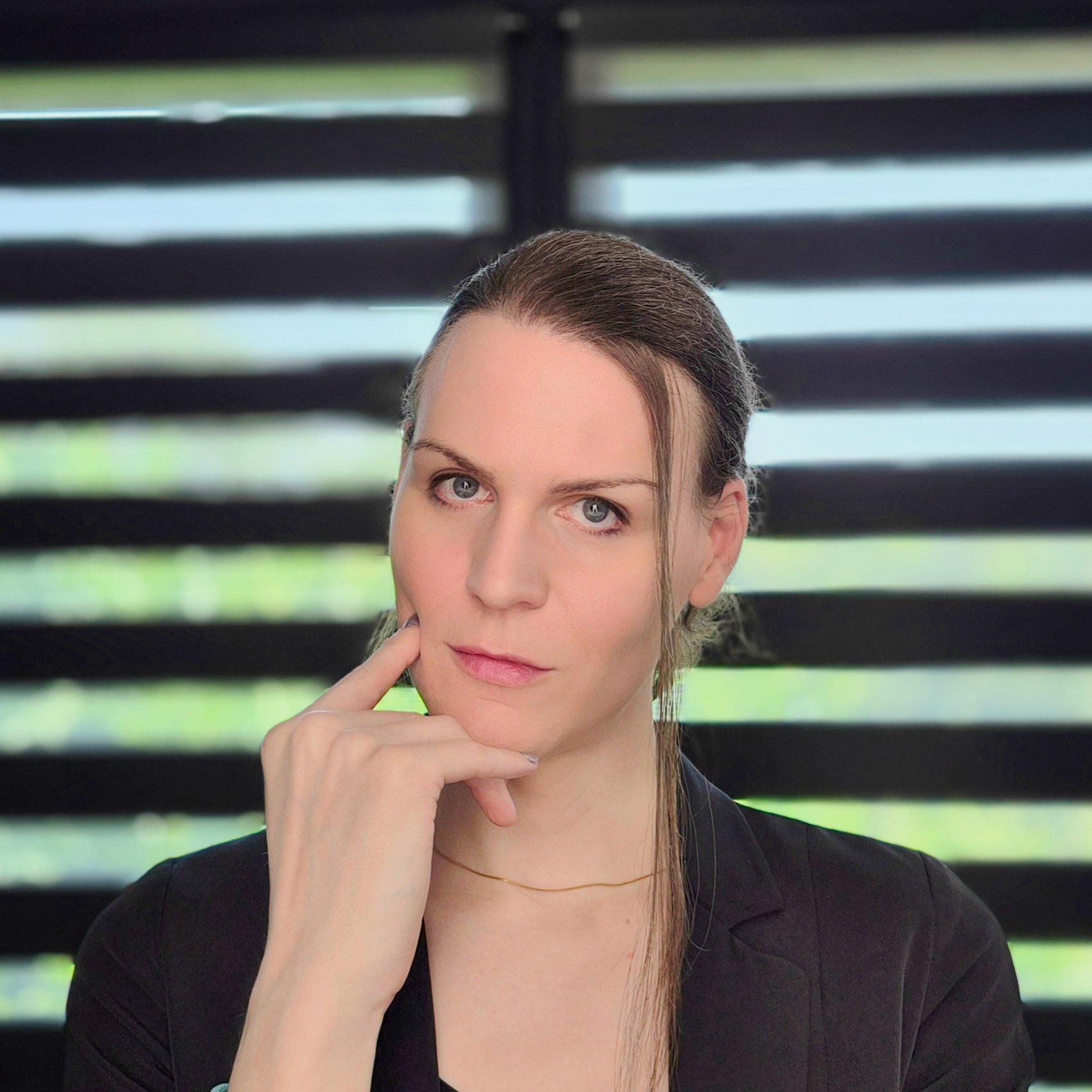
Lexy Callemeyn
Graphic designer & web developer
Hello! I'm Lexy, a graphic designer and a developer of websites and apps for 12 years. Every project is unique to me: I draw logos and I build custom websites for freelancers and companies, from the first sketch to going live, to help them reach their goals with a strong identity online.
A question, a project in mind? Write to me, or discover my work through the links below.
And now?
Want to go further?
Let's talk about your logo
Read next